01
Text-to-image with prompt intelligence
Describe a photo, a poster, or a 3D scene and the AI image generator plans composition, lighting, and typography before rendering. Less prompt-haggling, more usable first drafts.
Built to pair with the veo 4 video stack on aiveo4.org, this AI image generator handles text-to-image, image-to-image, and full edit workflows — all in one prompt box, all up to 4K.
From campaign hero shots to e-commerce variants to course illustrations, this AI image generator collapses days of design work into a single prompt — and pairs natively with veo 4 for the video version.
Render hero visuals across vertical, square, and ultrawide in one batch. Test ten brand directions before lunch with the AI image generator and ship the winner the same afternoon.
Drop a packshot and use image-to-image to put your product in twenty contexts — kitchen counters, beach trips, studio backdrops — without re-shooting.
Sketch directions, character art, and key visuals in minutes. Lock a palette and reuse it across every render so the brand looks like itself, not a Frankenstein.
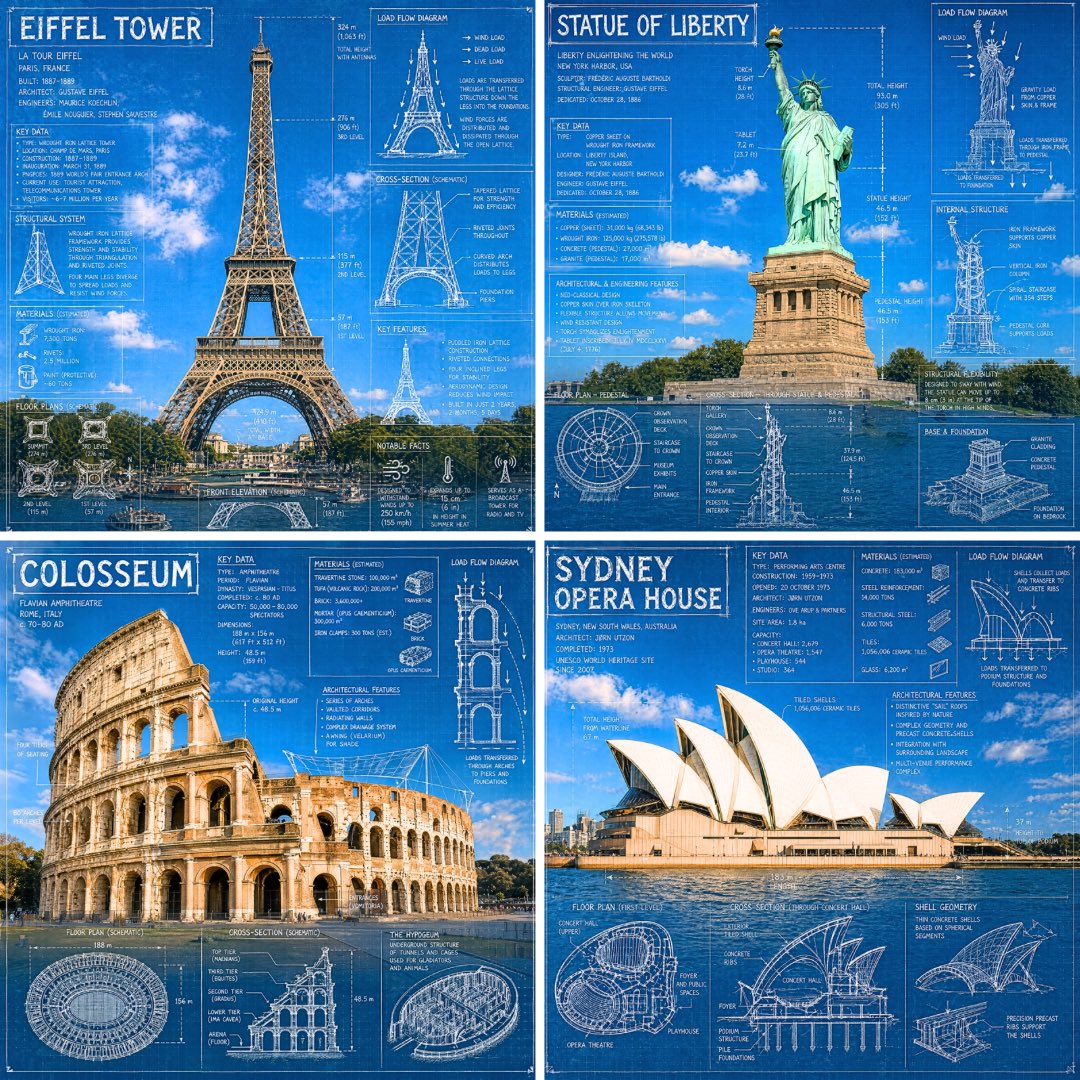
Generate diagrams, scientific scenes, and historical reconstructions with accurate captions. Pair with veo 4 to animate any still that earns it.
Spin up environment reference, character sheets, and prop concepts at speed. Designers cover ten directions in the time it used to take to mood-board one.
Generate punchy thumbnails, podcast covers, and Reels art with sharp text and locked brand identity. Stop fighting Photoshop layers — write the prompt and ship.
From idea to print-ready 4K in under a minute. The AI image generator on aiveo4.org keeps the workflow short, the controls real, and the output usable.
Use text-to-image to start from a prompt, or image-to-image to upload a photo for restyling, background swap, outfit change, or object removal. Both modes ship with the full edit toolset.
Pick 2K or 4K, choose the aspect ratio, and set the output count. The AI image generator runs as many variants as you want in parallel — compare them side by side before you commit.
Export PNG, JPG, or WebP. Or send the still straight to veo 4 to turn it into a 4K cinematic clip with synced audio. One workflow, two output formats.
Contact veo 4 at support@aiveo4.org
Sample Image